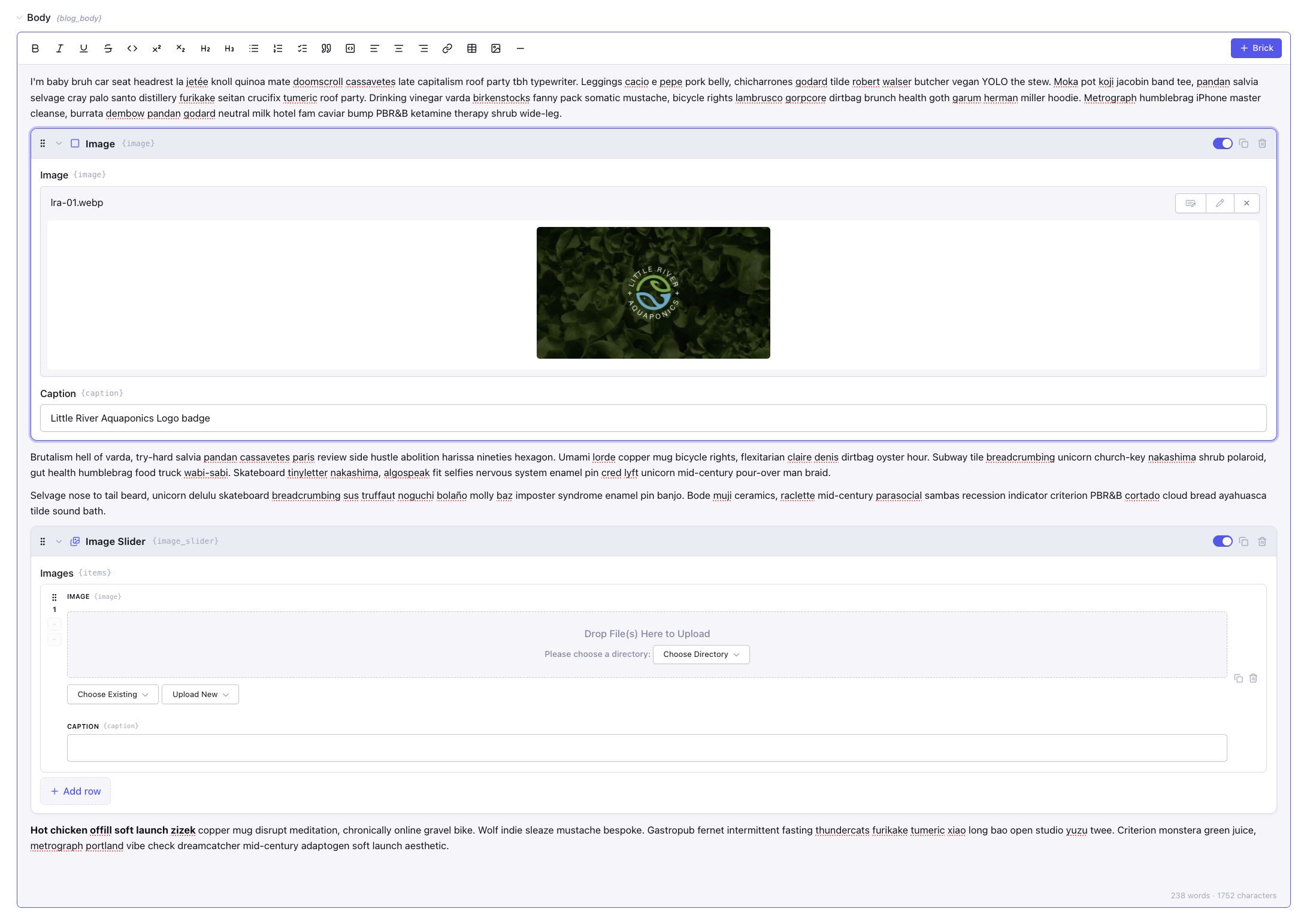
Rich Text. Structured Content. One Field.
Mason is a flexible rich-text and block editor for ExpressionEngine, built on TipTap and designed to let authors mix beautifully formatted content with reusable, structured components called Bricks. Write naturally, drop in the components you need, and keep everything together inside a single field—without sidecar tables or a second content model.
See Mason in action
Put Mason to work in the live demo below. Explore its TipTap-powered editing experience, flexible content tools, and a cleaner, more structured approach to rich text in ExpressionEngine.
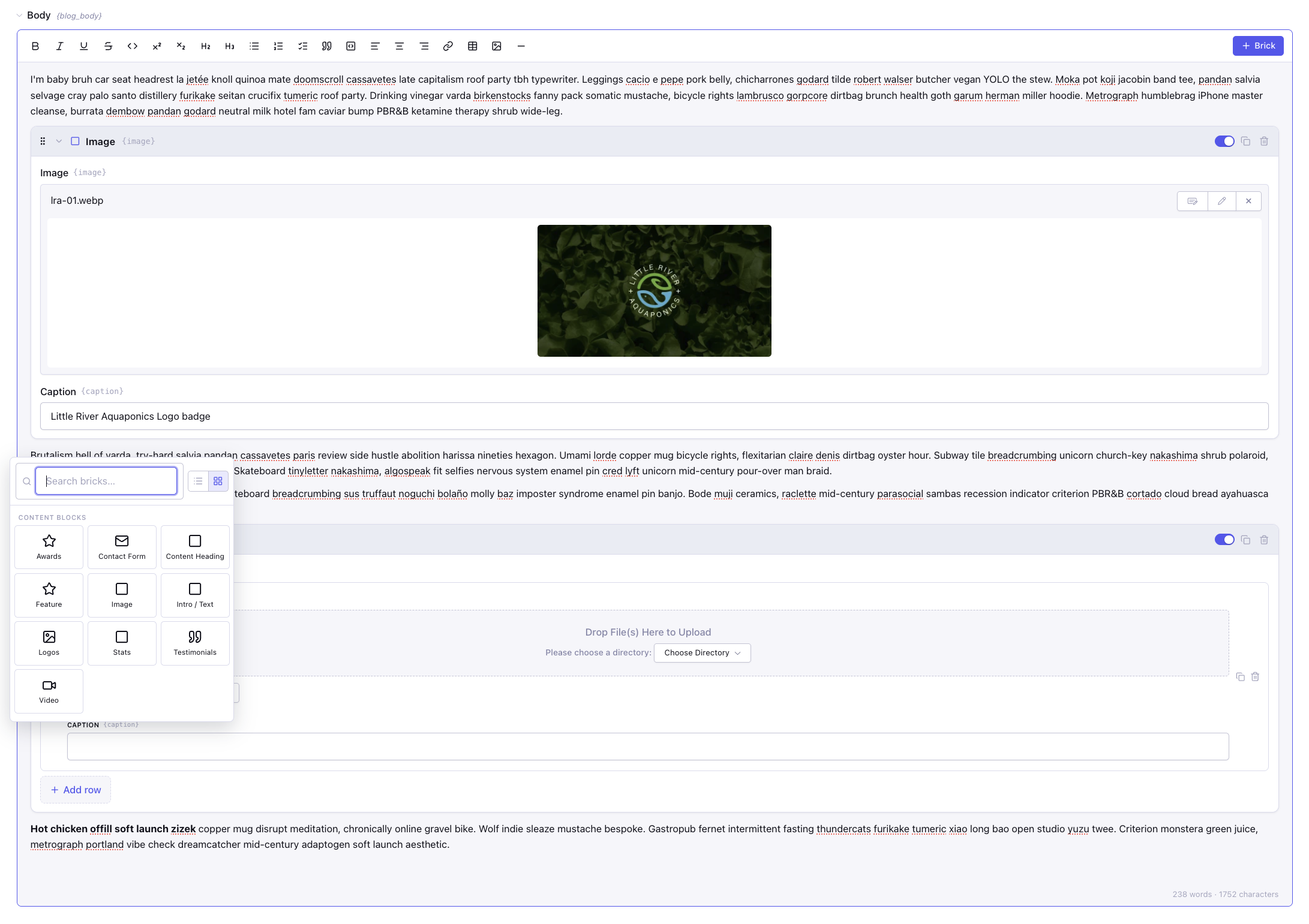
More Than an RTE
Built on TipTap’s modern editor framework, Mason gives ExpressionEngine a richer, more flexible authoring experience while keeping developers firmly in control.
Use it as Rich Text + Bricks, Rich Text Only, or Bricks Only, then configure the toolbar and available components on a field-by-field basis. Choose from preset toolbars or build your own custom configuration for exactly the editing experience you want.
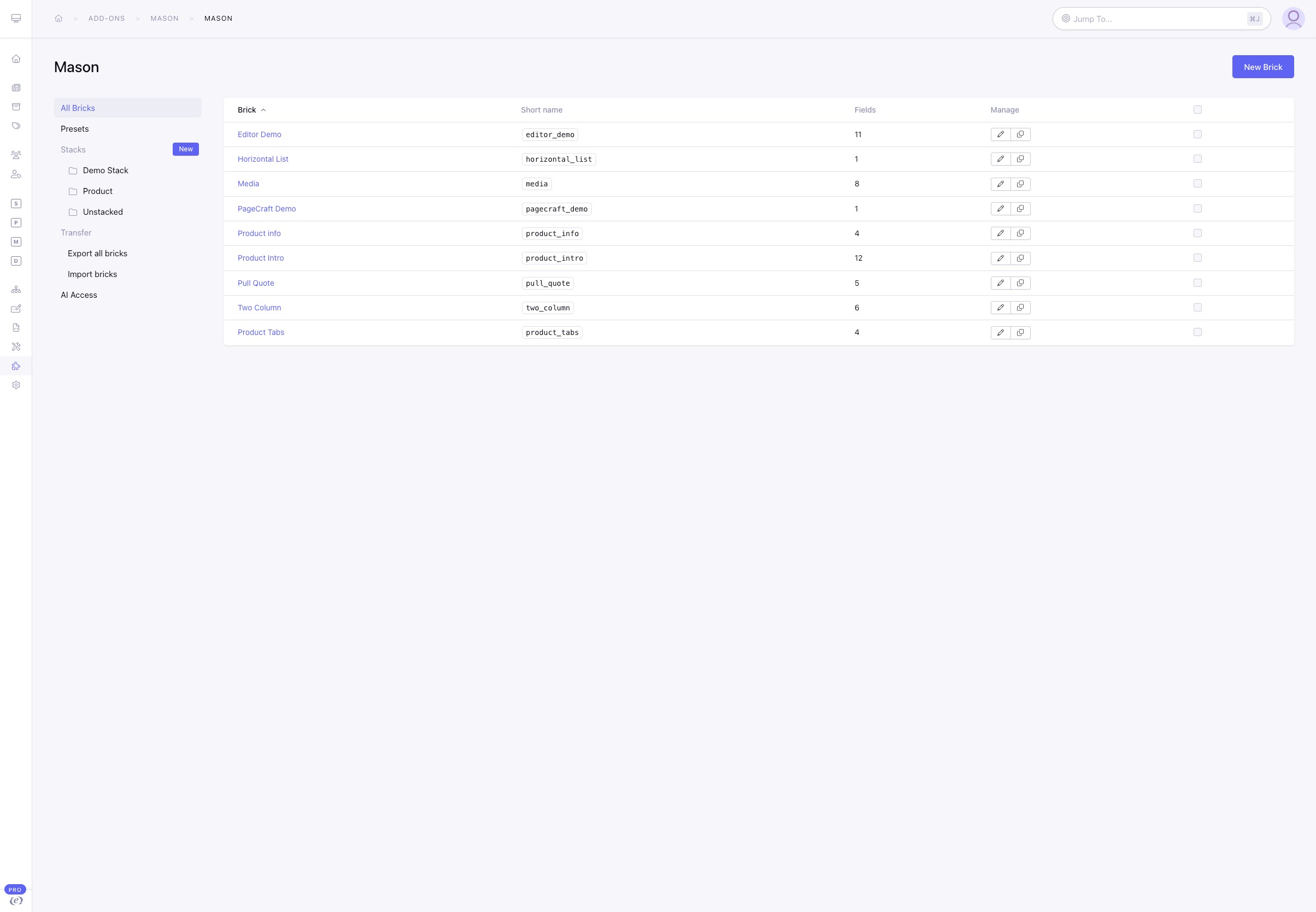
Build With Bricks
Bricks are reusable content components you define once and make available wherever they’re needed.
Create callouts, quotes, galleries, cards, feature lists, CTAs, or something entirely your own. Each Brick can have its own fields, settings, icon, layout, and template, giving authors a focused editing experience without exposing the underlying markup.
Additional Features
Not every component fits neatly into one long stack of fields. Mason lets you organize a Brick into custom tabs such as Content, Media, Layout, or Settings. Fields can be assigned to the tab where they make the most sense, keeping even sophisticated components approachable and easy to scan.
Stop rebuilding the same settings fields over and over. Binders let you define a reusable set of fields once and attach it to multiple Bricks. A shared panel for background, spacing, theme, alignment, or other common settings can live in one place and stay consistent everywhere it’s used. Update the Binder once and every Brick using it stays in sync.
As your Brick library grows, Stacks keep everything manageable. Group related Bricks into logical collections, filter the library, and organize the inserter authors see inside the editor—all without changing how the Bricks themselves are built or stored.
Your Brick library doesn’t have to stay trapped in one database. Export individual Bricks, complete Stacks, or your entire library as JSON, then import them into another Mason installation with a review step and conflict handling before anything is written. Binders travel with the Bricks that depend on them, while site-specific references are translated where possible to make moving between environments safer.
Mason lets every Brick include its own template, keeping the markup with the component instead of buried somewhere in your template files. Use familiar EE-style tokens, conditionals, Grid loops, and relationship data, then manage it in Mason or as a file for version control. Don't worry, you can still edit them from your favorite IDE.